How to Remove Duplicate Songs from an Apple Music Playlist
The same track can appear in your playlists for many reasons. Mistakenly adding the same track from a different album, or iCloud messing up sync and getting exact duplicates.
Here is how to find and remove duplicate tracks from your playlists.
Download Song Sweeper
Get Song Sweeper from the App Store - it’s the fastest way to remove duplicate songs from an Apple Music playlist. Open the app and grant access to your music library to get started.
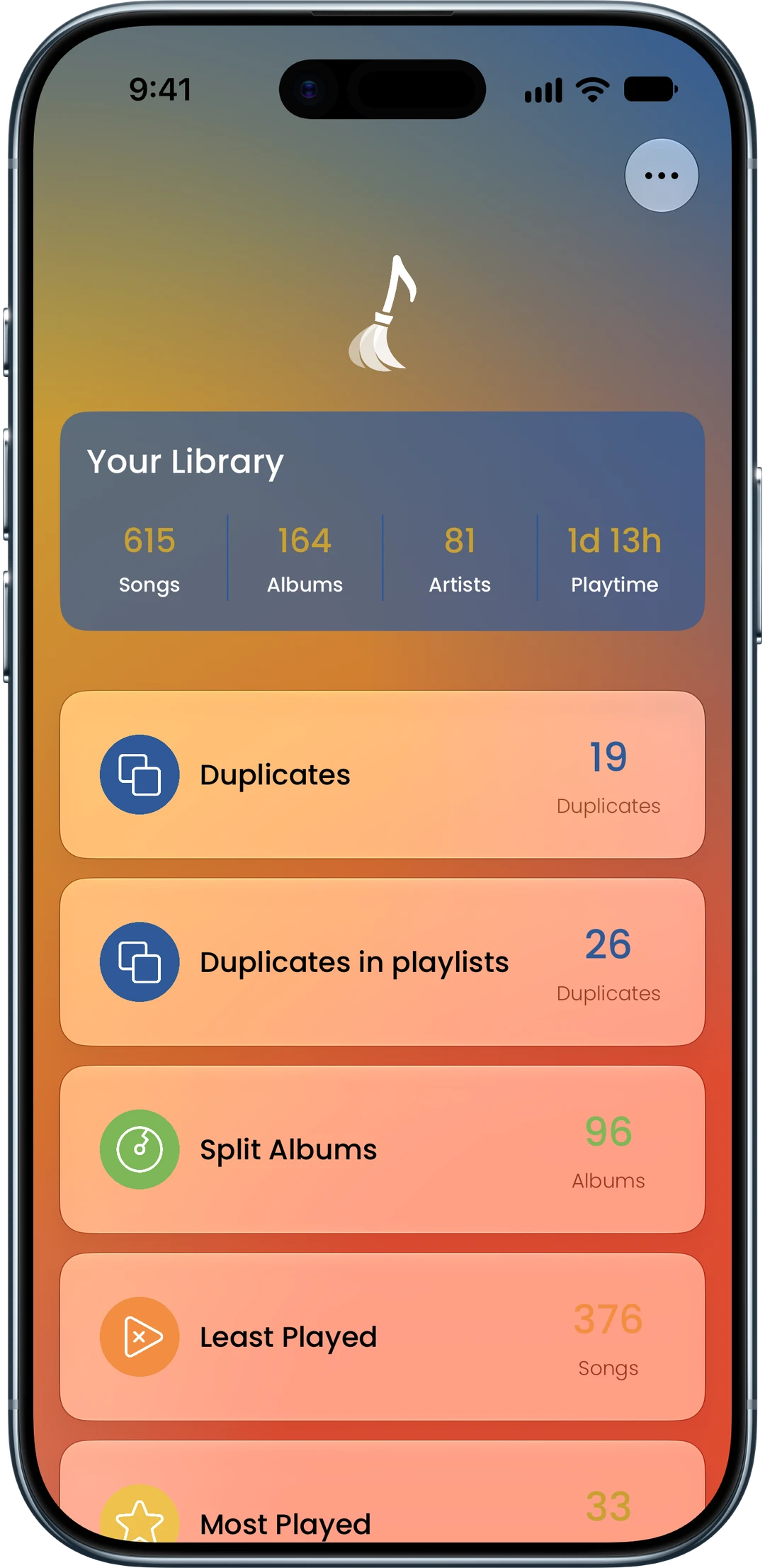
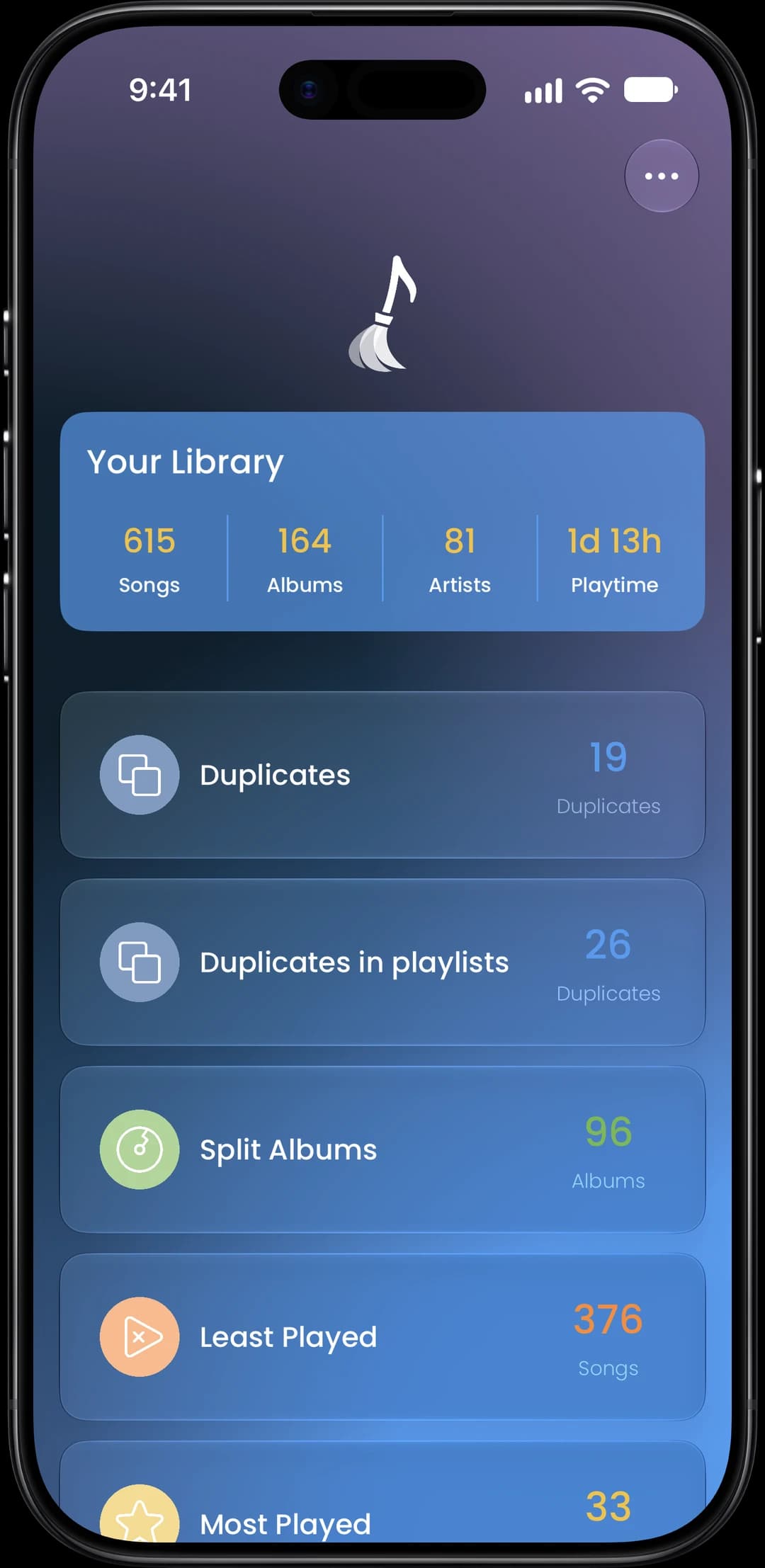
Find Duplicate Songs in Your Playlists
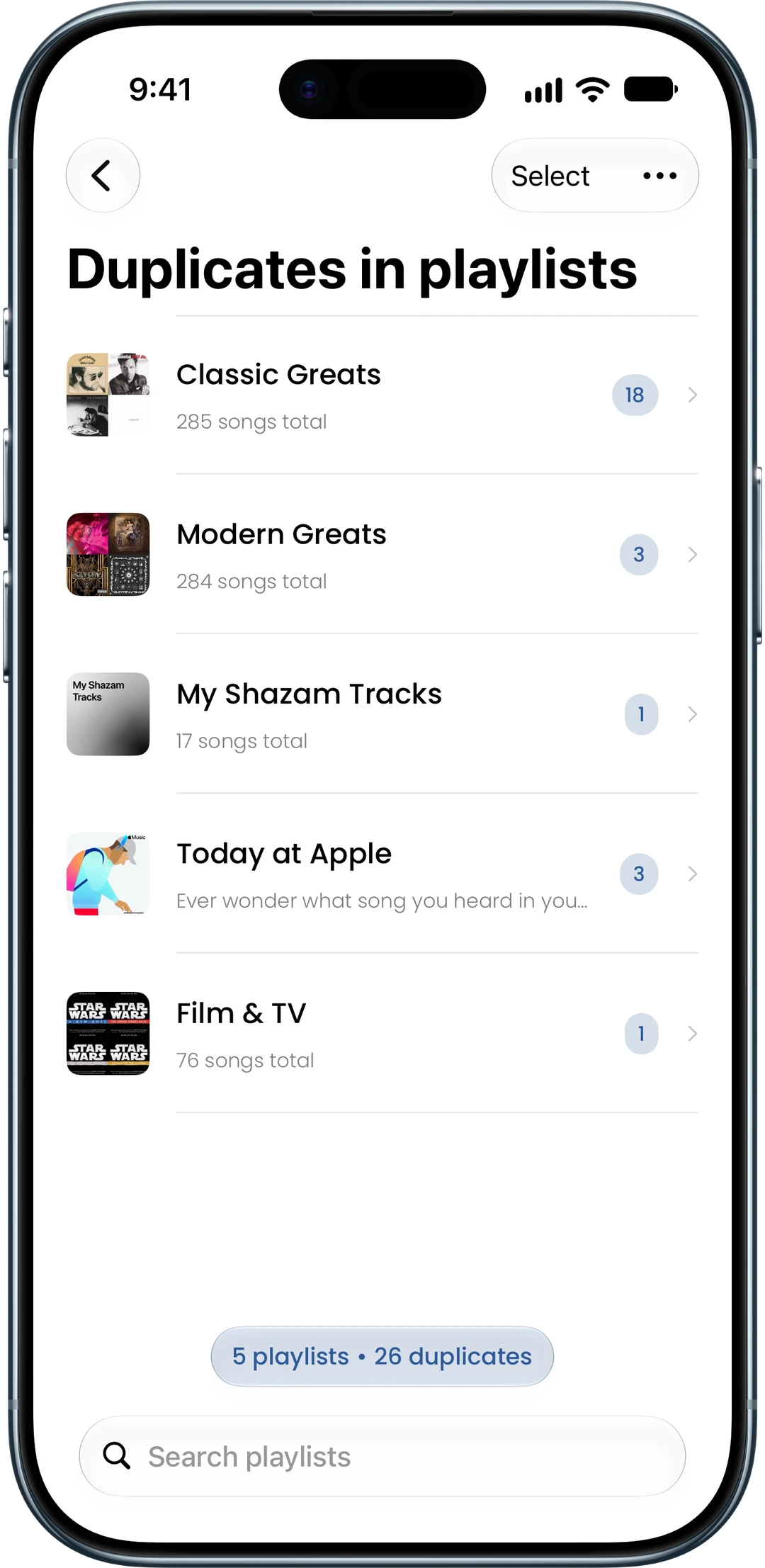
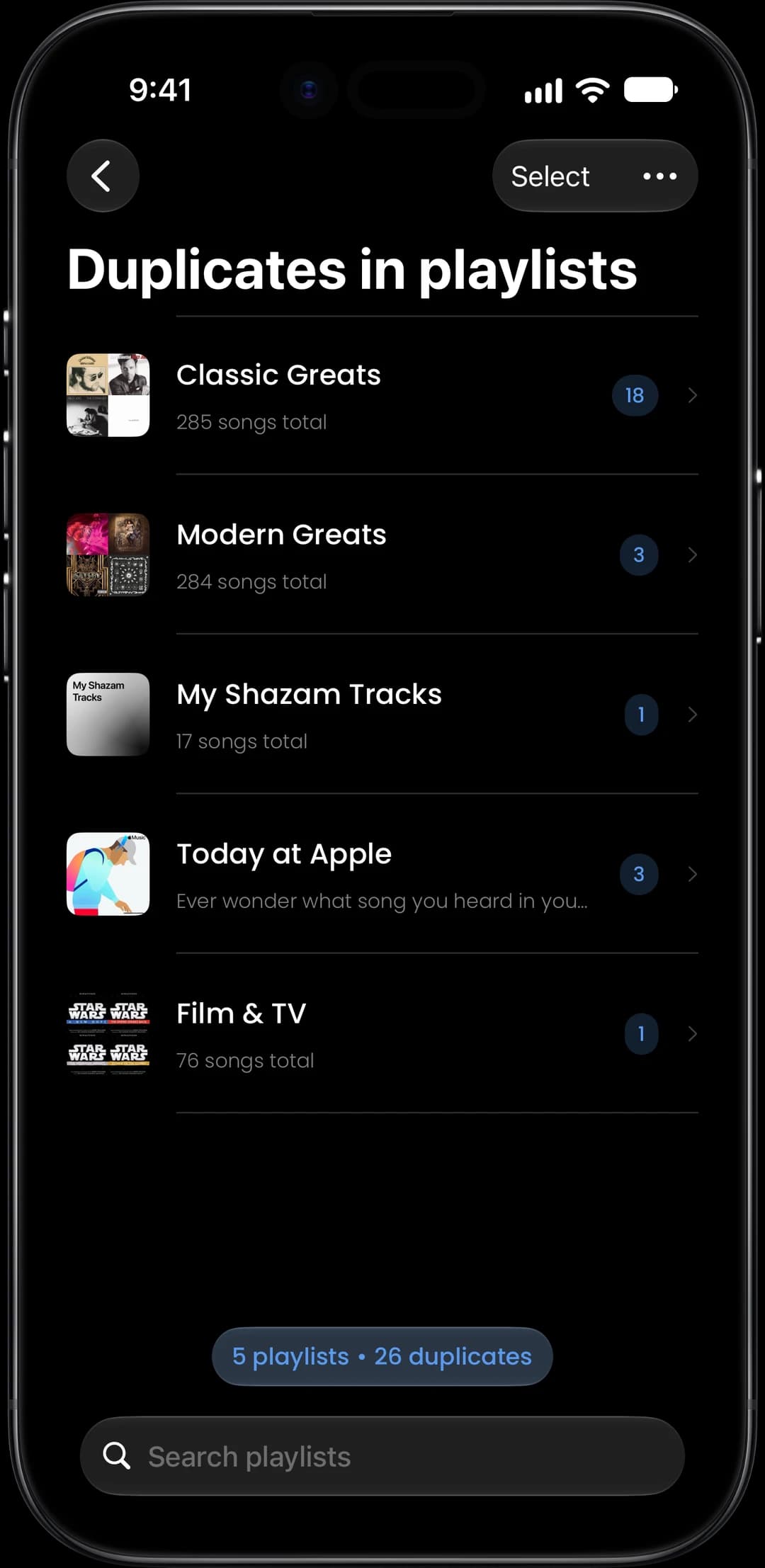
Tap Duplicates in playlists to see every playlist that has duplicate songs. Select one playlist or several at once - Song Sweeper finds exact copies and the same song from different albums.
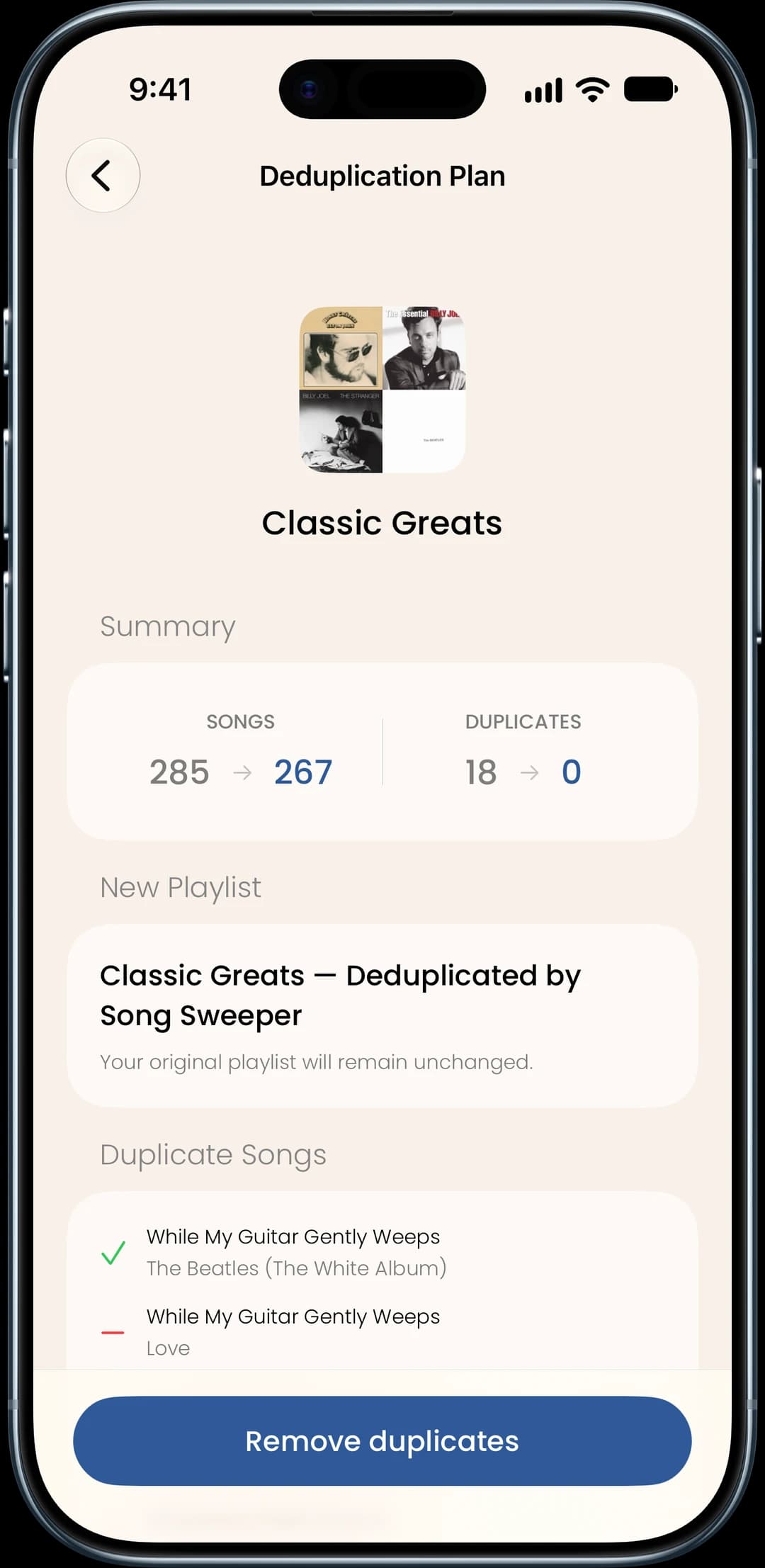
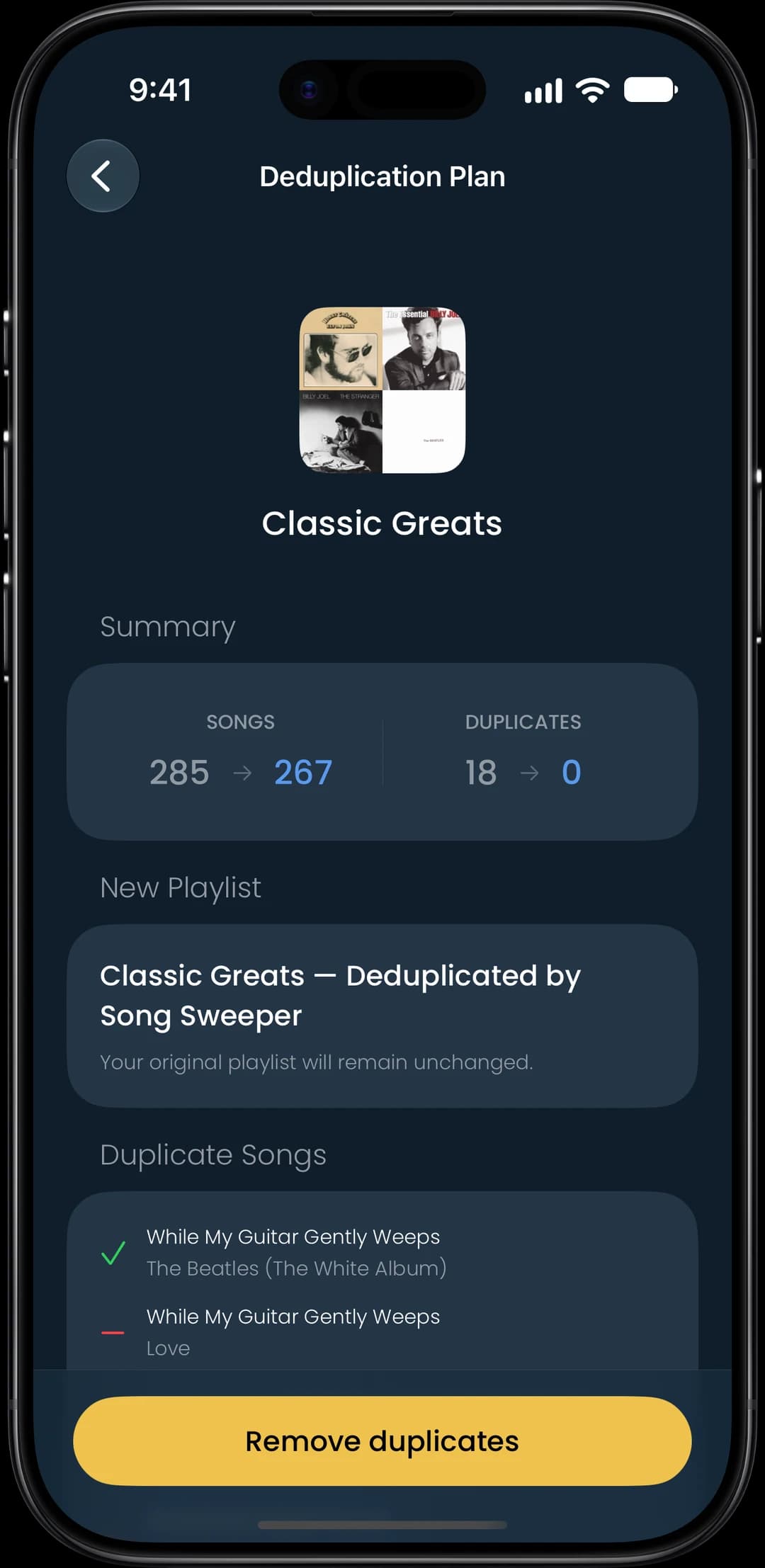
Review the Plan and Create a Clean Playlist
Song Sweeper shows exactly which songs it will drop before anything changes. Confirm the plan and it saves a new, deduplicated playlist to Apple Music while your original stays untouched. Rename the new playlist if you want, and delete the old one when you are ready.