How to Delete Unplayed and Old Songs on Apple Music
Your Apple Music library has become a graveyard of forgotten songs. Tracks you added years ago, albums from a phase you’ve moved past, songs you saved on a whim and never played once - all still there, burying the music you actually love.
Here’s how to find and remove the songs that aren’t earning their place in your library.
Download Song Sweeper
Get Song Sweeper from the App Store - it surfaces the songs Apple Music hides from you. Open the app and grant access to your music library to get started.
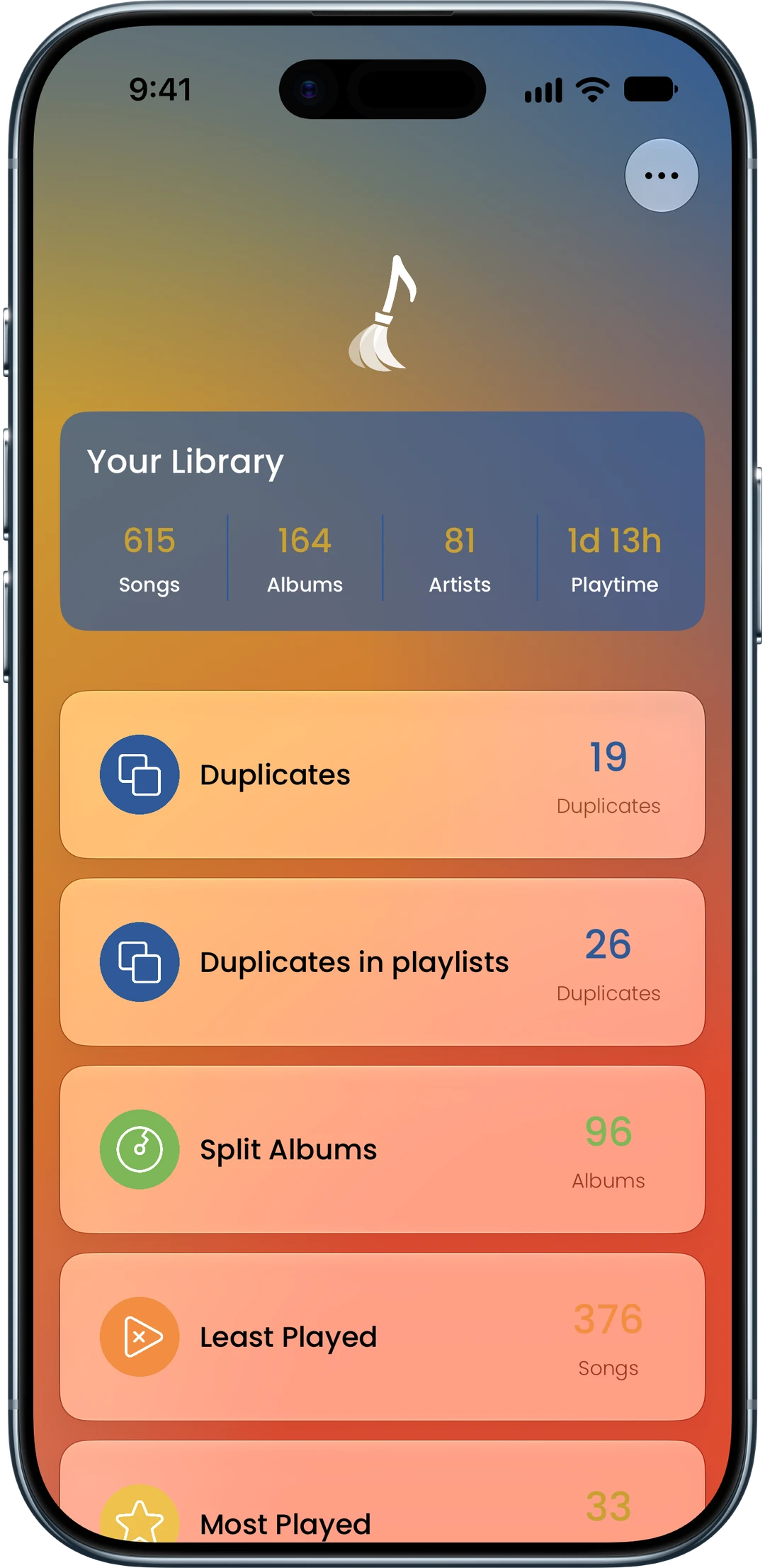
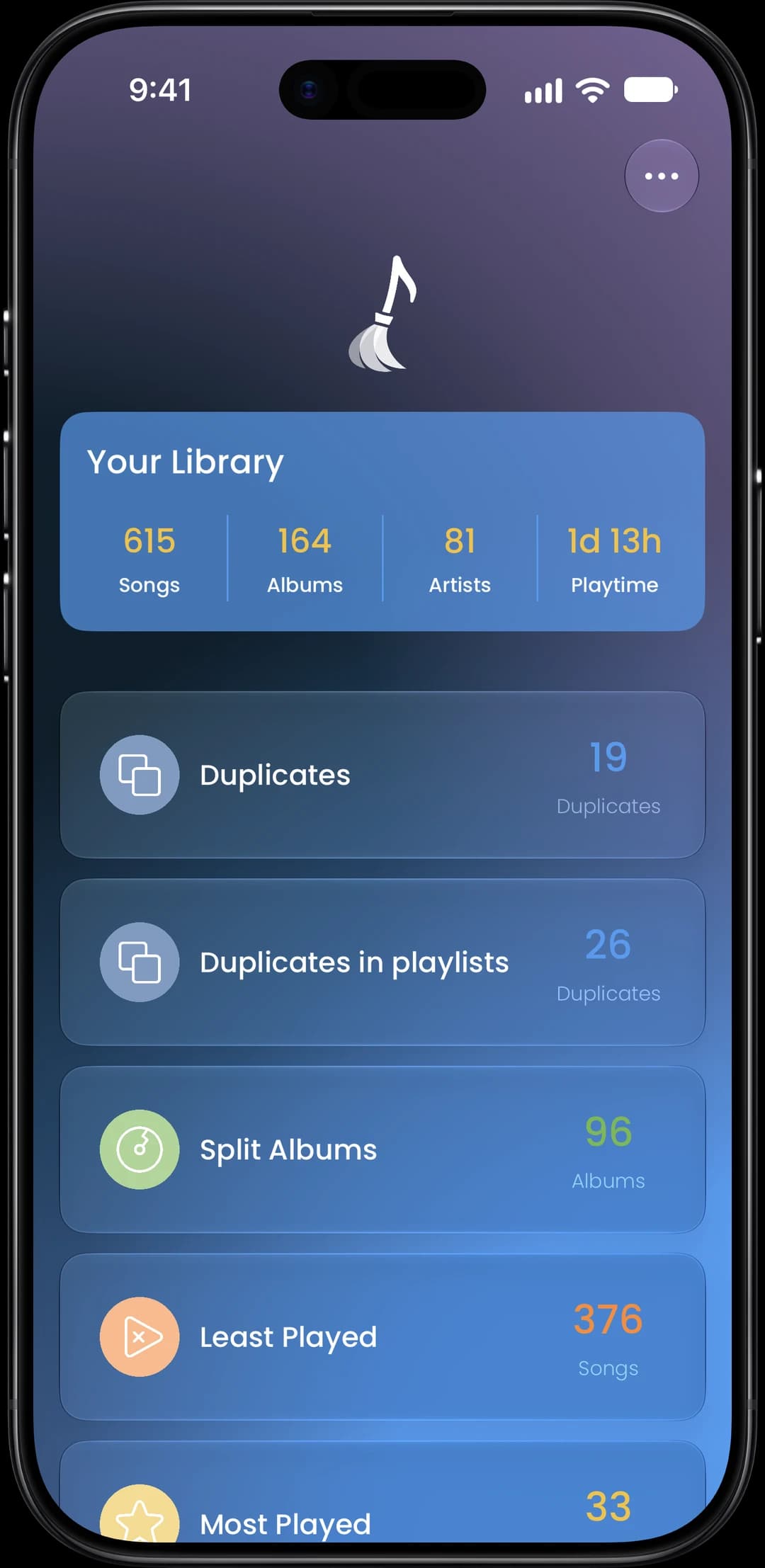
Find and Remove the Dead Weight
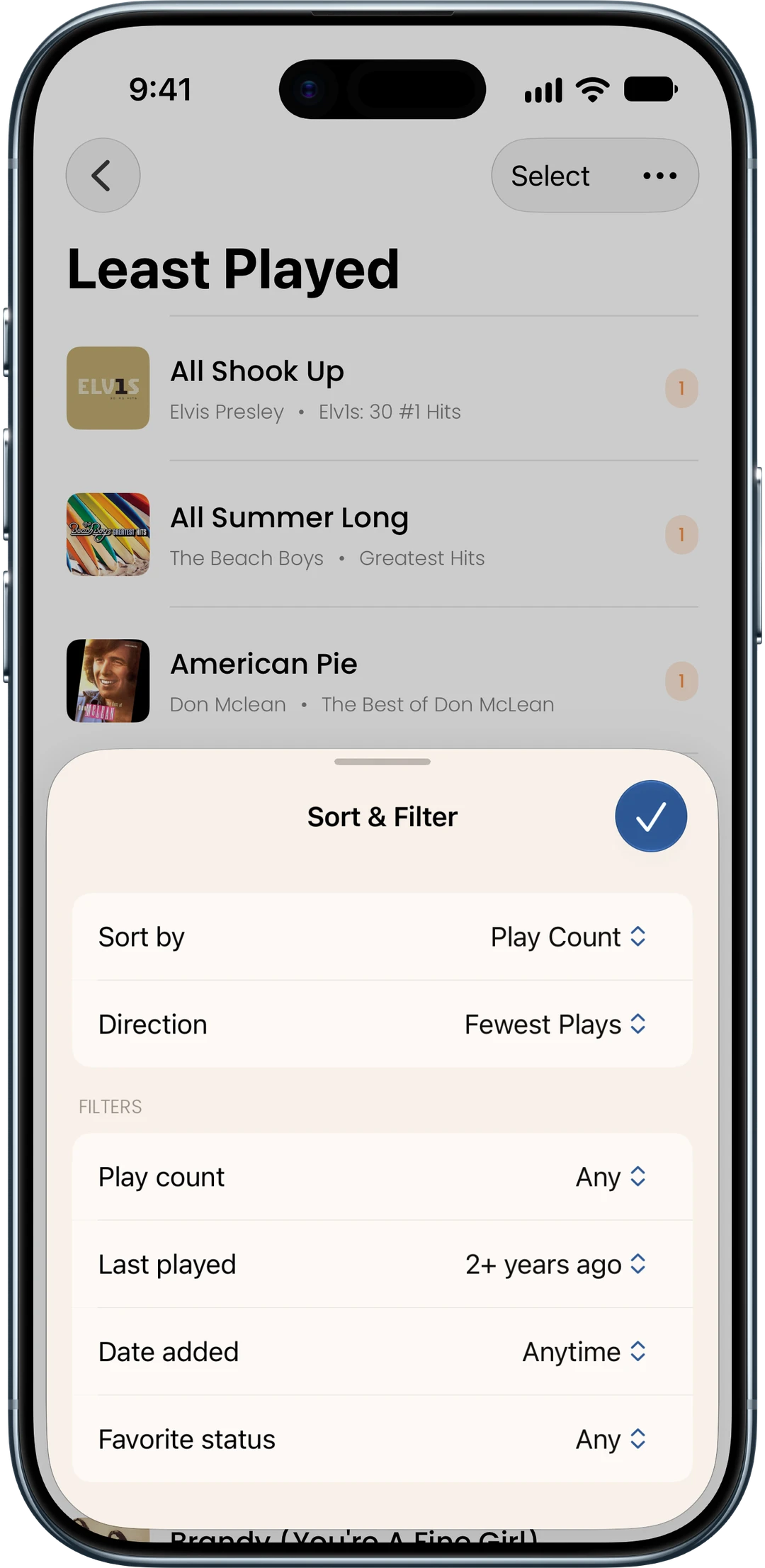
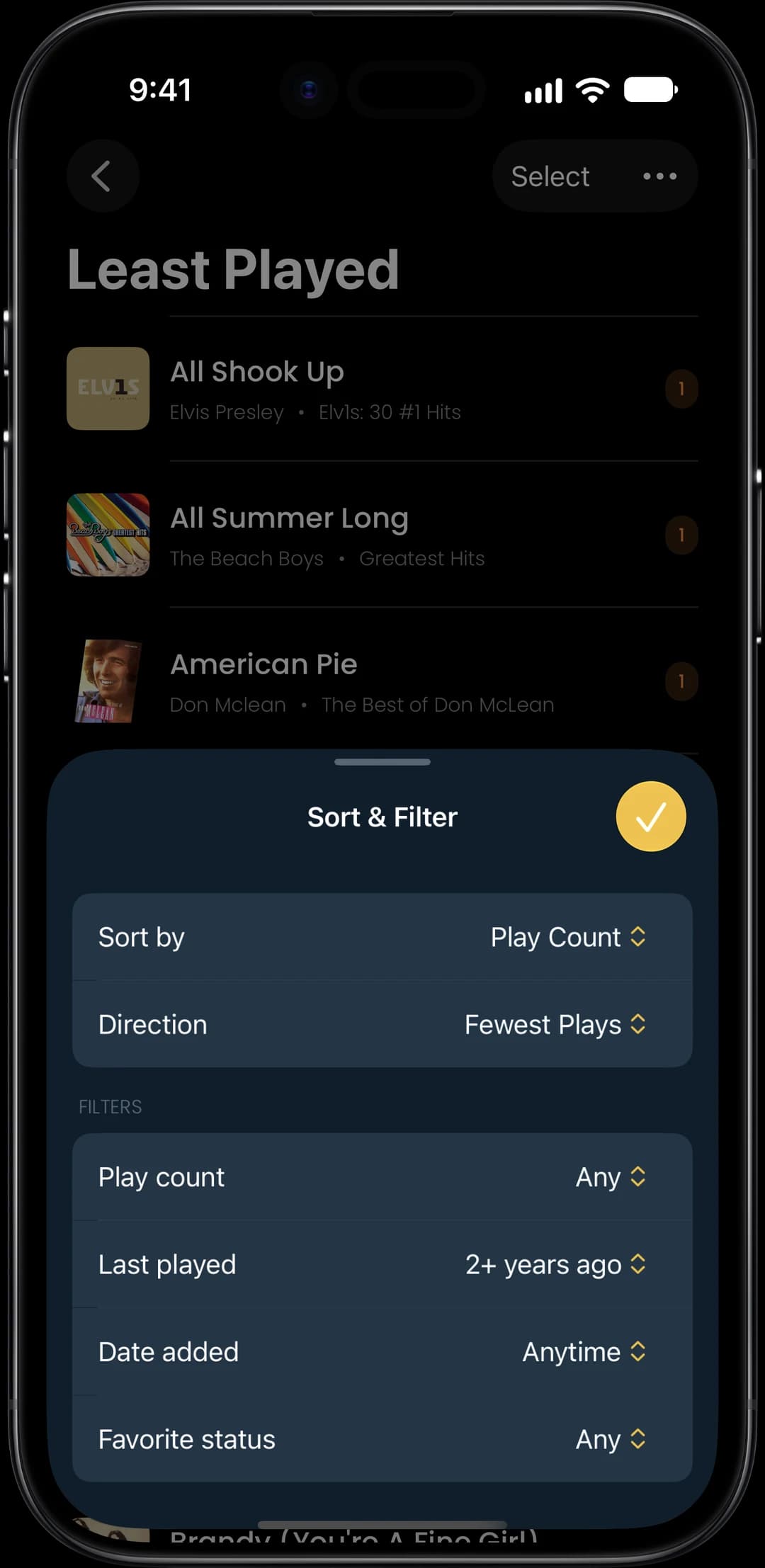
Filter by play count, date added, last played, or favorites to zero in on the songs that don’t belong. Found the dead weight? Swipe to mark songs for deletion, or use multi-select to process them in bulk.
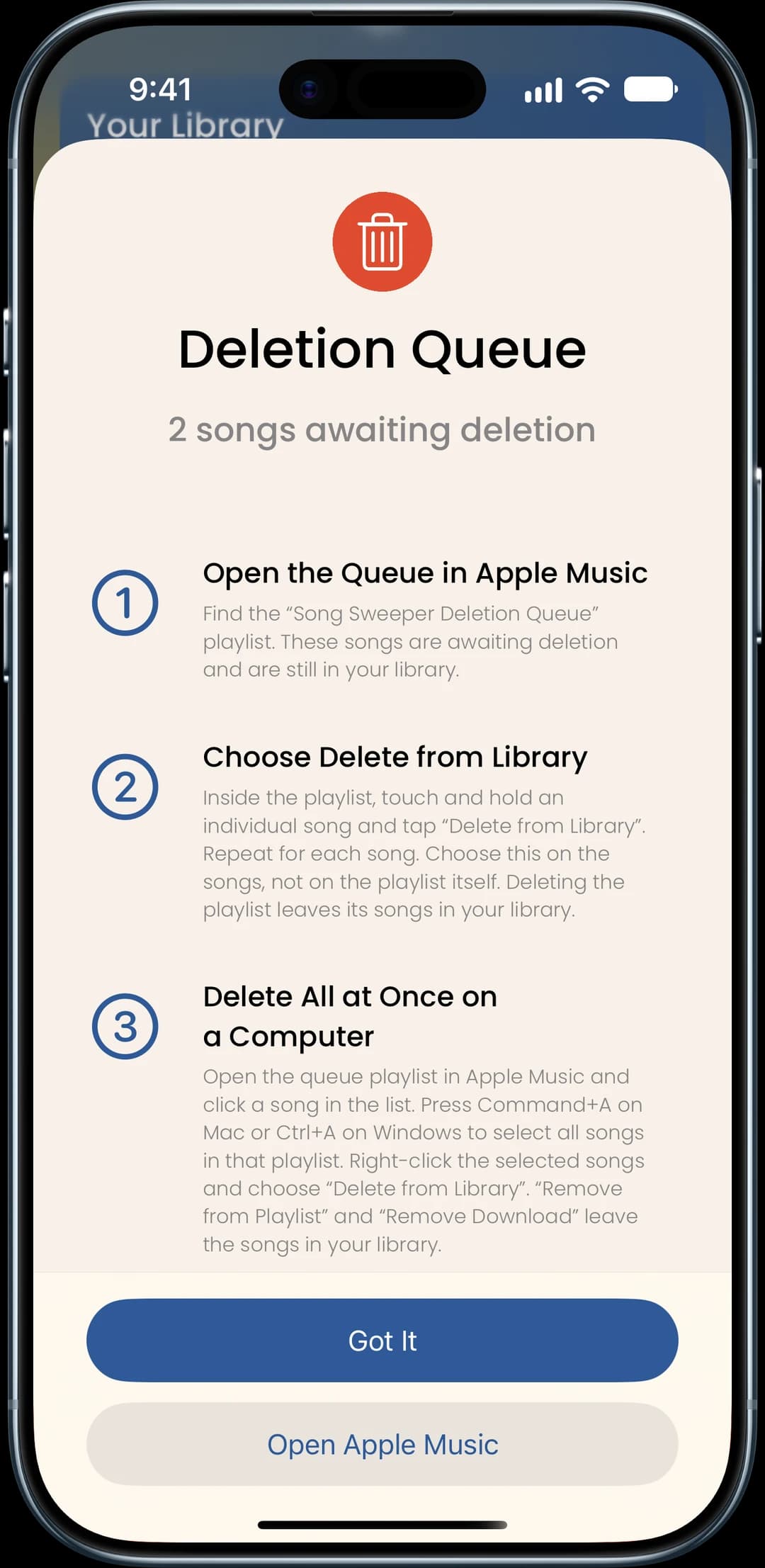
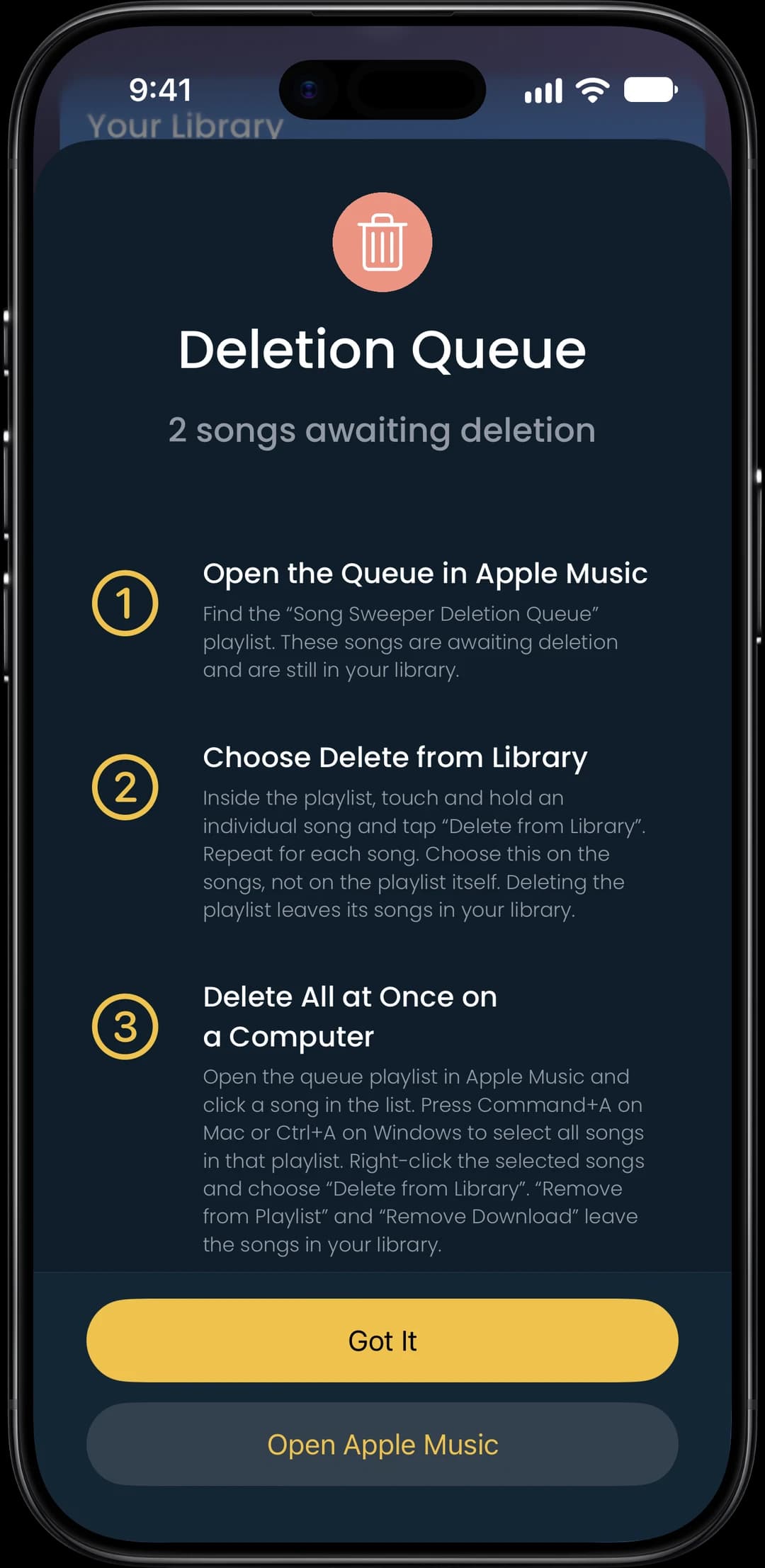
Confirm Deletion in Apple Music
Marked songs go to a Deletion Queue playlist in Apple Music. Review at your own pace, then delete when you’re ready. Nothing leaves your library by accident.